

Connecting your own sources depends on your plan, which also sets how many external connections you can use.
Sync a dataset from Google Drive
You can use a CSV, XLSX or Google Sheets file.1
Start a new dataset
Click Create new, then Dataset.
2
Connect Google
Click Sign in with Google and allow access. Then click Add File from Google Drive and pick your file.
3
Configure it
Select a sheet if asked, then set up the columns.
4
Choose a frequency
Under Syncronization, select None, Hourly, Daily or Weekly. Click Save.
Sync files from SharePoint or OneDrive
This syncs documents into a repository’s Files tab. You need Admin access to the repository.1
Add a source
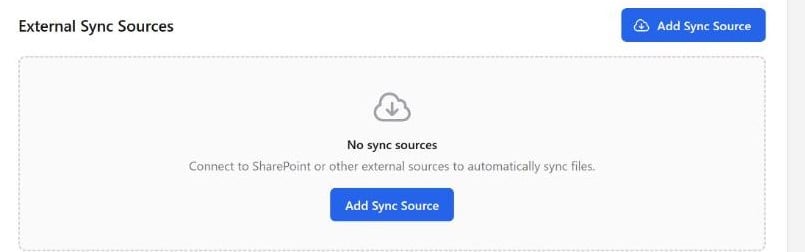
Open the repository’s Settings. Under External Sync Sources, click Add Sync Source.
2
Connect Microsoft 365
Click Connect Microsoft Account and sign in.
3
Choose a folder
Select SharePoint or OneDrive, browse to the folder and click Select This Folder.
4
Create the source
Enter a Name and choose a Sync Frequency: Manual only, Every hour, Daily or Weekly. Click Create Sync Source.
Refresh a dataset now
Some datasets show Sync Now in their actions. It asks for an update from the data source, or runs the pipeline that fetches external data. The Versions tab shows the activity. Whether you see the button depends on how the dataset is updated and on your access. If the data was synced recently or a run is already waiting, Alphacast may ask you to try again later. A sync does not create new observations if the source has none.Next steps
Follow a dataset
Know when new data arrives.
Pipeline runs
Check how your pipelines ran.